Sharing rotas & communication
Keep your team in the loop
Make sure everyone’s on the same page with automatic updates and notifications for your staff.
- No card required
- UK-based support
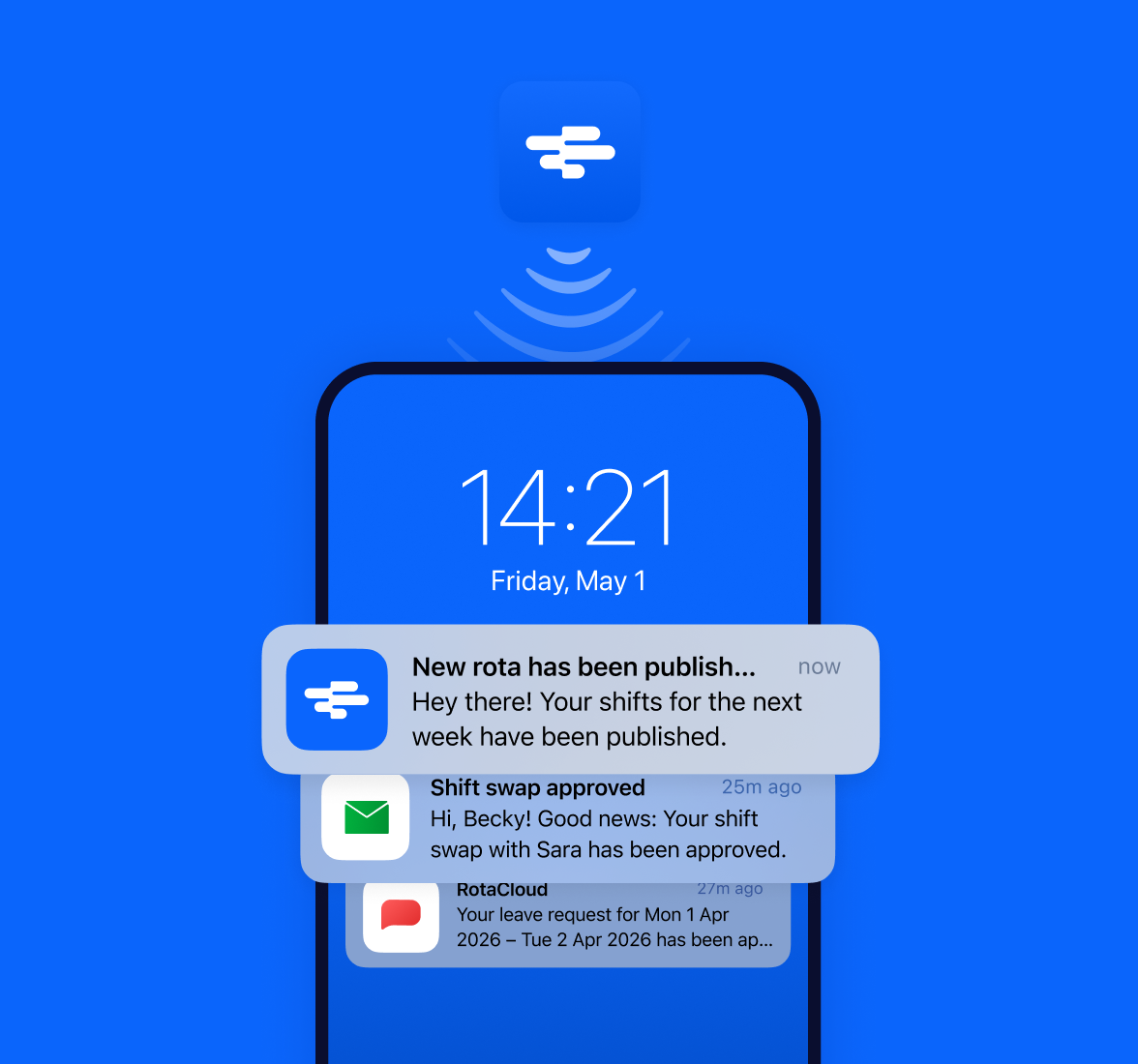
Communicating with your team has never been easier.
Automatic notifications
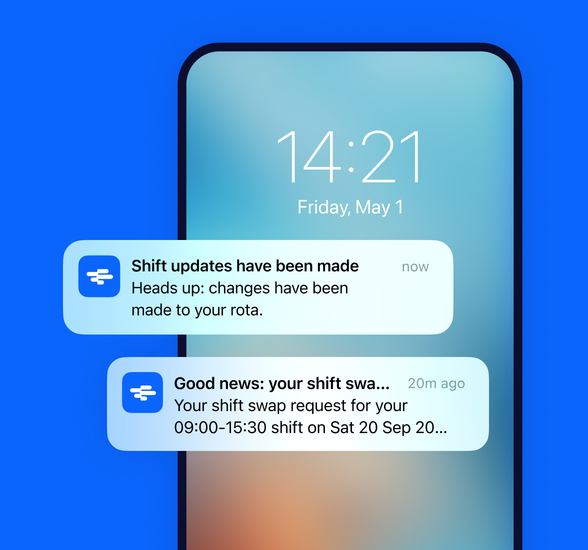
Inform your team of every change, automatically
Every time you add or update a shift, relevant staff are immediately notified, so they always know when they’re next working.
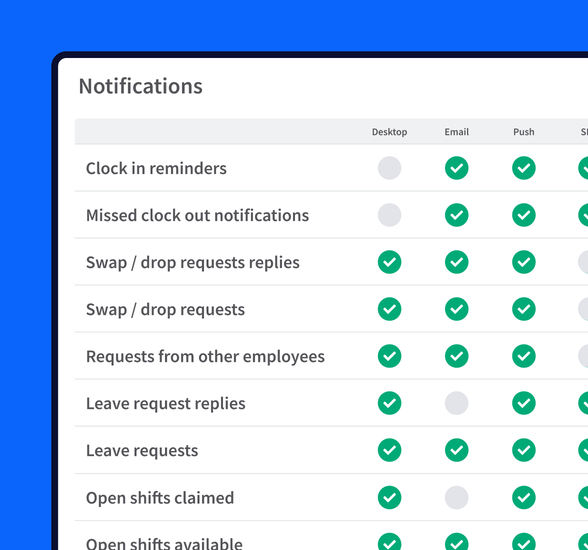
Push, e-mail, SMS
Be sure they got the message
Employees can choose from push, email, or SMS notifications — so you can be confident that they always have the most up-to-date information.
How shift updates work
A simpler way to share shifts
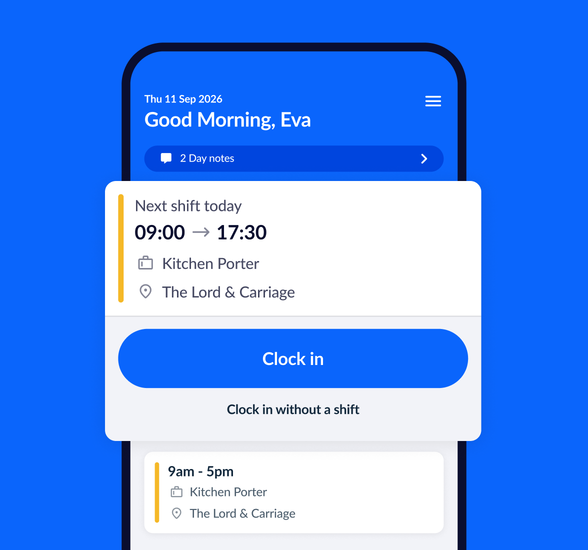
Cloud-based rota software
See shifts on any device
RotaCloud is accessible on any compatible device with an internet connection, so your staff will always have the most up-to-date version of their rota.
 RotaCloud’s made it very simple for our staff to find out what time they start and where they will be working, especially with the app and push notifications.
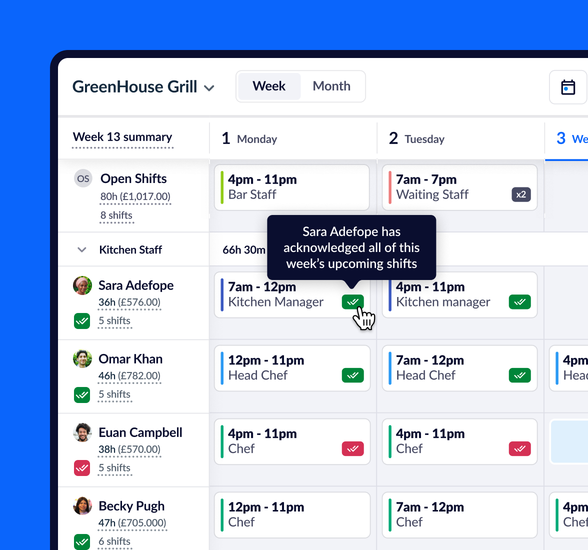
Shift acknowledgement
Extra peace of mind
Ask your staff to confirm that they’ve seen their latest rota with shift acknowledgement.
Each time you make a change, you’ll see on the rota which shifts have or haven’t been acknowledged.
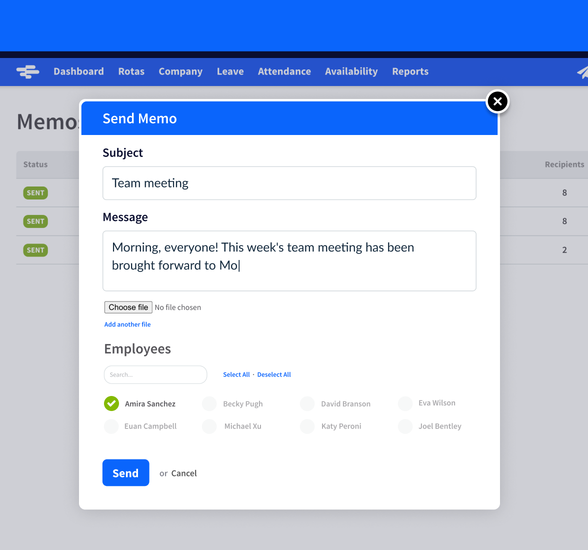
Memos
Reach out from within RotaCloud
The Memos tool lets you send messages to your employees quickly and easily directly from your RotaCloud account.
Memos can be sent to your entire team or just select members of staff, and will arrive at their registered email address.
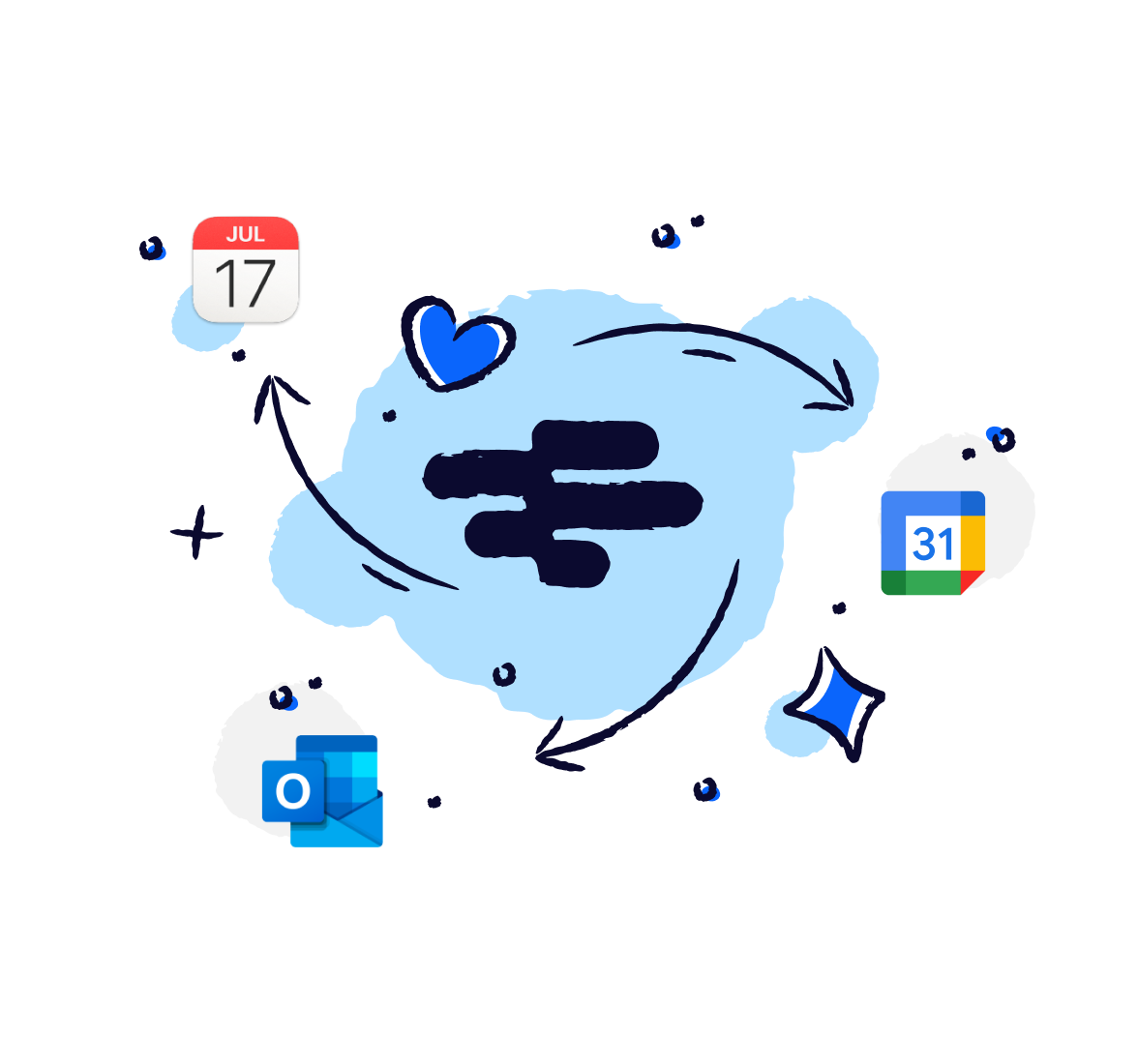
Calendar feed
Syncs with your calendar app
See shifts alongside your other events and appointments in your favourite calendar app.
See all integrations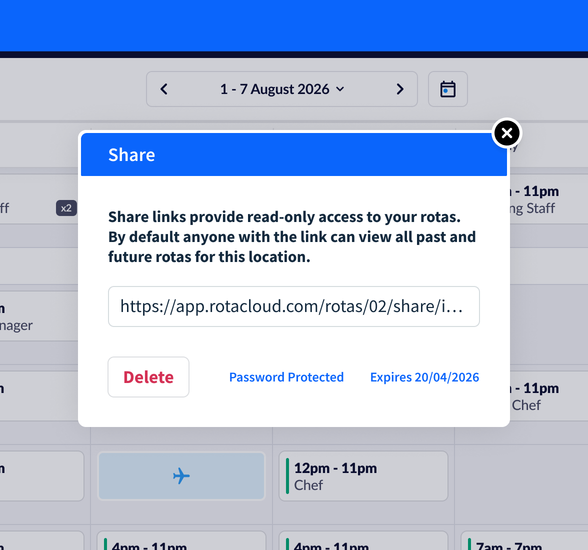
Secure share links
Read-only rotas
Secure share links give you a read-only copy of the rota which updates automatically — perfect for keeping clients in the loop or displaying the rota on a shared device.
Add an extra layer of security with a password or an expiry date.